
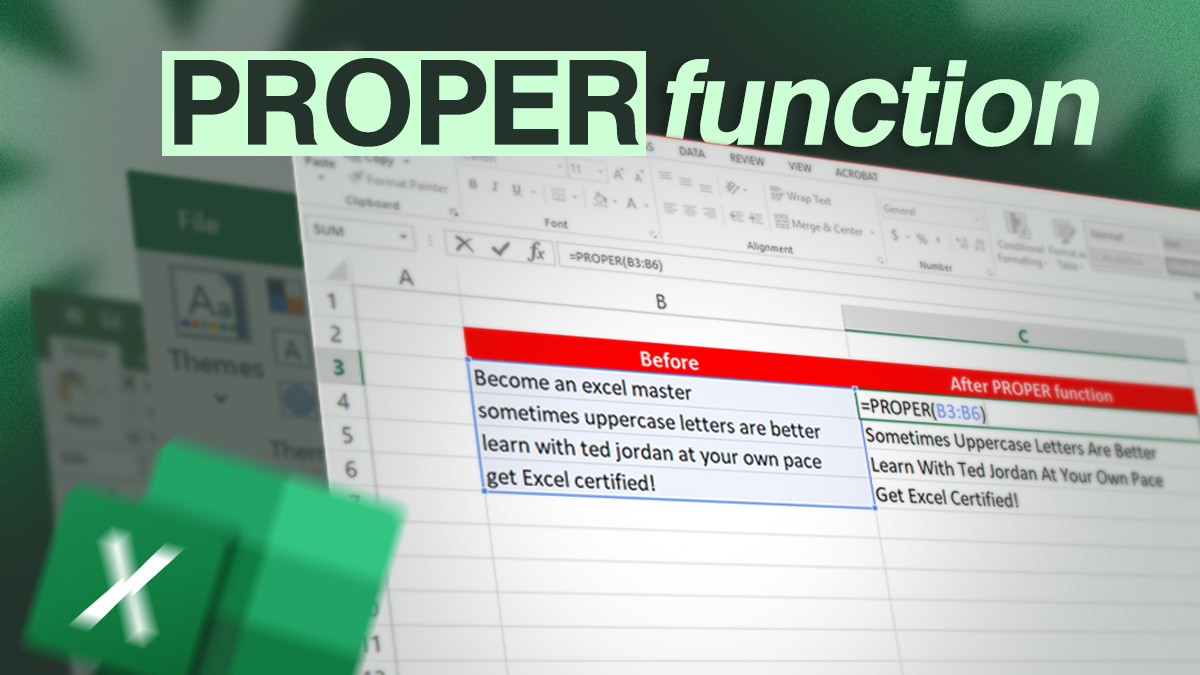

Tired of capitalising each word in Excel one by one? Or maybe you realised you capitalised the wrong letters?
With the Excel PROPER function, capitalise the first letter of each word automatically!
Are you ready to learn how to use this time-saving-formula?
Capitalise each word in Excel
Writing the first letter of each word in upper case can create visual interest and bring clarity to your data. Instead of doing it manually, you can use the PROPER function in Excel.
PROPER function
The PROPER function capitalises the first letter of each word in a cell and keeps other letters in lower case. The PROPER formula is =PROPER(text) with text being a cell or a range of cells containing a text. If you want to use the PROPER formula directly with a text, enclose it with quotation marks: =PROPER(“your text“)
For example, =PROPER(“eXcel”) will become “Excel” in Excel.
How to capitalise words in Excel
Capitalise each word in Excel by entering the PROPER formula: =PROPER(text). Check the example below to get familiar with automatic capitalisation.
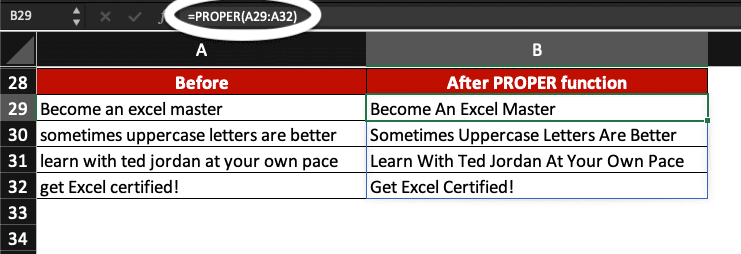
In this example, let capitalise the first letter of each word in cells A29 to A32.
Enter =PROPER(A29:A32) and press Enter.
Now, all words in these cells start with a capital letter!
Now, you know how to capitalise the first letter of each word in Excel with the PROPER function.
Become an Excel Master: join a Spreadsheet Training Course now!